

Overview
skill_admin_tools cover the administrative side of skill management: package visibility, assignment workflows, and governance actions around skill availability.
Approved self-add packages now register in the same managed agent_skills Git repository as imported skills, so administrators review one shared Git-backed catalog instead of separate imported and filesystem-only entries.
Self-add request review reads are intentionally bounded by a smaller default page size so oversized submitted SKILL.md files are obvious during review; when truncated, the response includes paging metadata and a continuation hint.
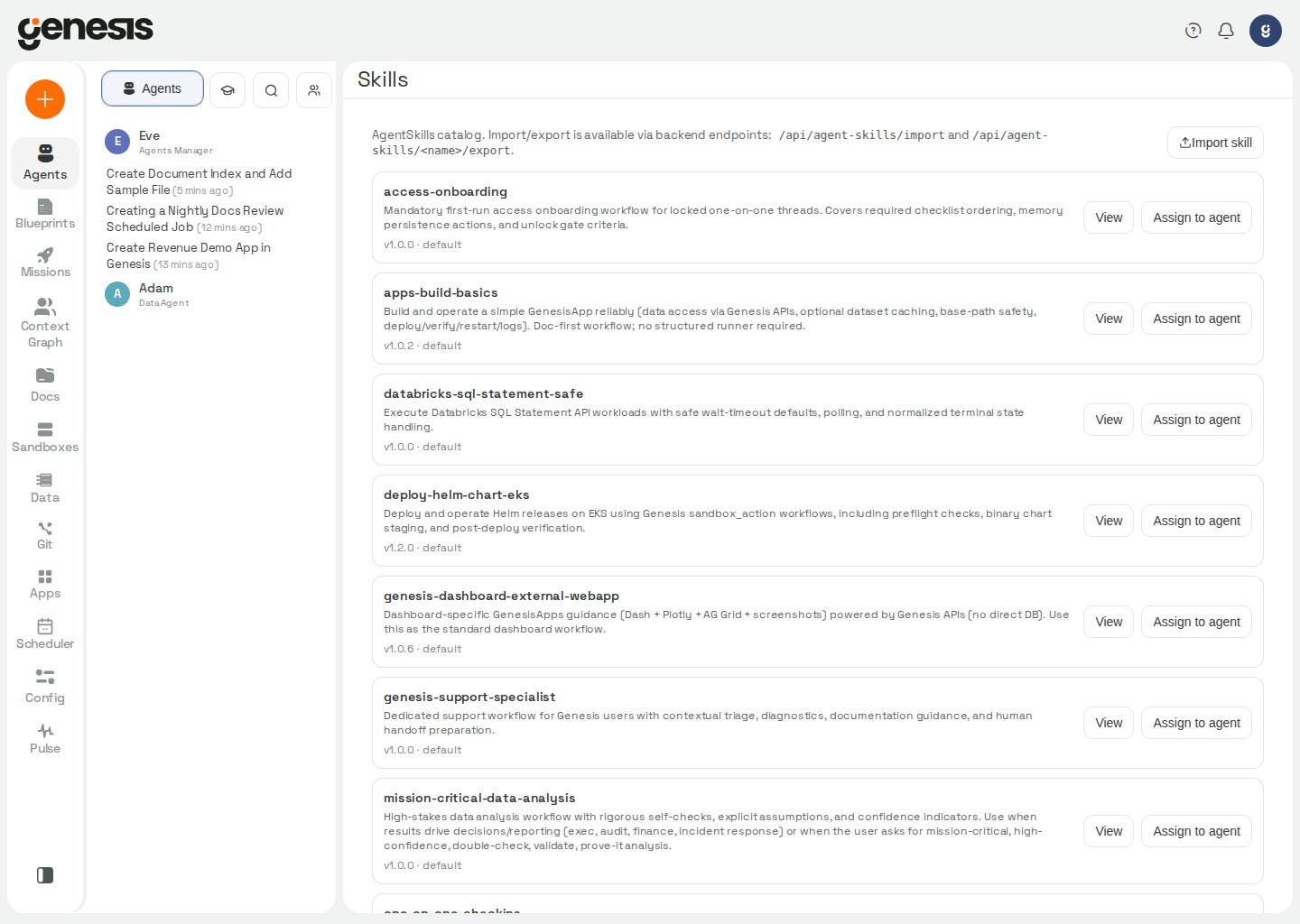
Typical customer-facing uses
- reviewing available skill packages,
- assigning skills to agents,
- removing or restricting skill access,
- supporting controlled rollout of reusable skills.
Primary tool surfaces
set_skill_assignment
Use set_skill_assignment to assign a skill from the catalog to a bot, or to
disable an existing assignment without deleting the package itself.
Examples
enabled_after value plus a short
message such as Assignment enabled or Assignment disabled.
Genesis rejects caller-supplied arguments that are not in the documented
signature, but it ignores runtime-injected context kwargs (bot_id, run_id,
session_id, thread_id, thread_purpose, source_message_id,
input_metadata, parent_thread_id, inherited_use_fast_model, user_id,
user_email) that Genesis adds automatically for context and bookkeeping. Pass
only the documented fields above; any other unrecognized extra returns a
corrective error listing the valid args.
skill_management
Manage Git-backed Skill repositories and workspace pushes. Requires
manage_skills.
For assigning catalog skills to bots, use
set_skill_assignment instead. For
generic clone/branch Git work, use git_action.
Managed source scan types can be added later, but removing an enabled scan type
from an existing source is not supported. Delete and recreate the source with
the desired scan types. When a PATCH would remove scan types, the API returns
error_code SCAN_TYPE_REMOVAL_NOT_SUPPORTED with current_scan_types,
attempted_scan_types, removed_scan_types, recovery (delete_and_recreate),
and remediation. skill_management copies those fields to the tool result when
present (including when nested under detail).
include and exclude on a managed source narrow which skill packages sync
enables. On SYNC_FROM_REPO, skills that no longer match are retired: Genesis
removes the managed registration only when the stored row matches this source’s
repo_id and artifact path (not merely the skill name), so a local package with
the same name is left registered. If skill_sources.yaml is unreadable, sync
surfaces the error instead of treating the skill as “not ours” and leaving a
stale registration in place.
SKILL.md frontmatter must be valid YAML. Quote values that contain a colon,
for example description: "Global policy: all X". Genesis may recover common
malformed-description patterns via a lenient parser, but flags the skill as
degraded (hydrate.skills.degraded_artifacts with a reason such as
frontmatter_recovered_lenient: ...). If a sync reports fewer skills than
expected, inspect sync.partial_success, hydrate skipped, and
degraded_artifacts for the exact remediation — do not assume a stale clone
when success is still true.
REGISTER_MANAGED_SOURCE, SYNC_FROM_REPO, and managed-source removal update
the shared skill_sources.yaml registry and mark the capability registry
dirty. list_skill_catalog, set_skill_assignment, and
manage_context(action="SEARCH_CONTEXT", search_scope="skills") reflect new
or removed packages on the next reconcile (typically within seconds).app_management
Manage Git-backed App repositories and workspace pushes. Requires
manage_apps.
Registering or updating a source whose
scan_types_enabled includes roles
also requires manage_users; otherwise the tool refuses the source change.
The Apps Library Push to managed repo wizard drives the same export flow over HTTP:
POST /api/apps/{app_id}/export-to-managed/preview then .../commit (requires manage_git
plus app-level manage; see Genesis Apps).
For building and running apps in chat, use apps_action in
GenesisApps Tools. For dependency
wiring after sync or export, use dependency_action rather than this tool.
include and exclude on a managed apps source follow the same selector rules
as skills. On SYNC_FROM_REPO, apps that no longer match are retired when their
workspace_path lives inside this source’s checkout; Genesis removes the app
record but preserves workspace files so a later re-include can register the app
again. Apps outside the checkout (for example a local app that shares the id)
are left unchanged.
dependency_action
Inspect and bind missing dependencies for managed Skills, Flows, and Apps.
Requires manage_git (same permission family as Git repository administration).
Use
skill_management, flow_action, or app_management to register sources
and sync artifacts; use this tool only to wire logical refs after sync.