

Overview
The License Activation page is the customer/admin view for understanding the current license state of a Genesis deployment.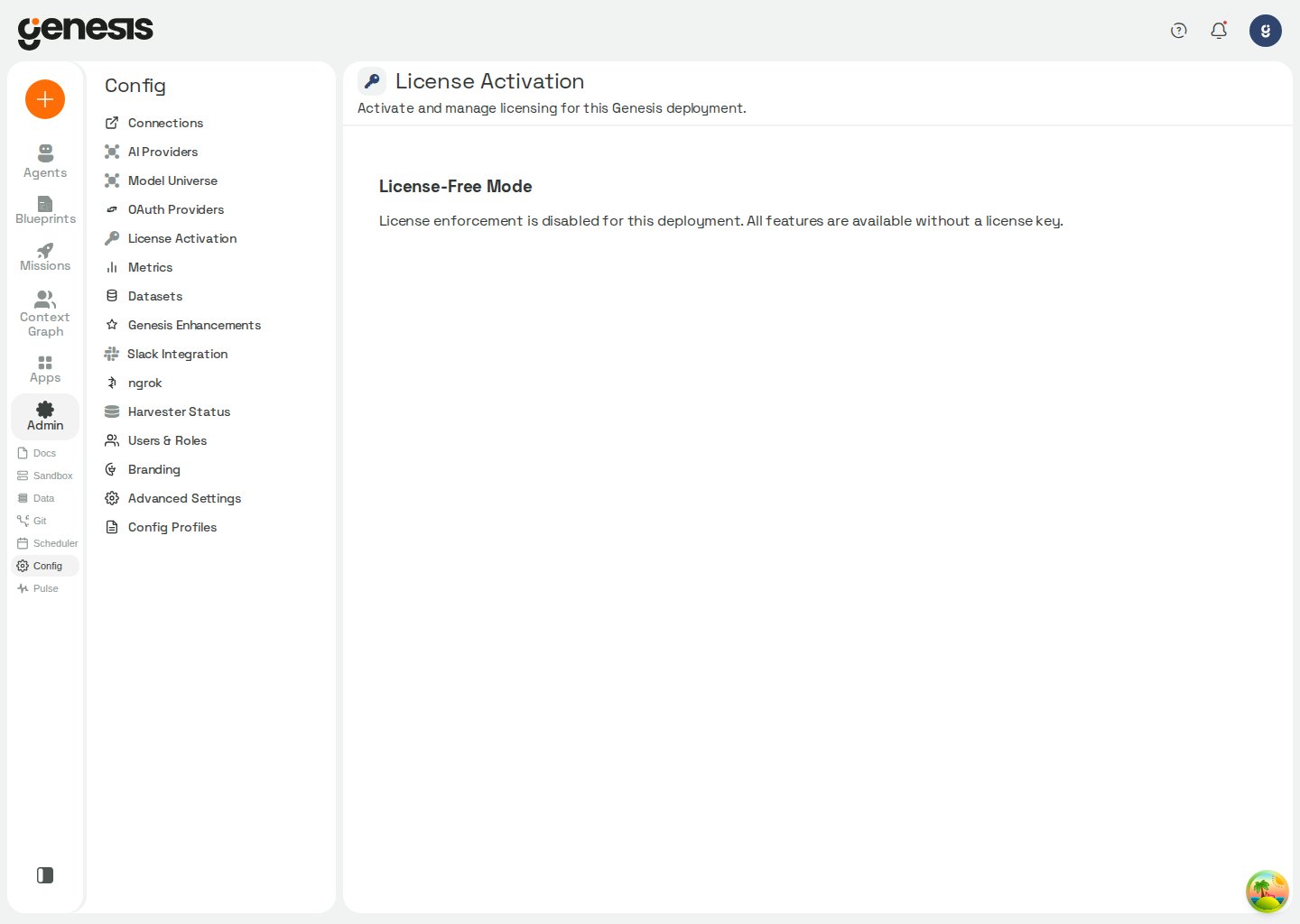
What the page can show
Depending on the deployment, customers may see:- license-free mode,
- an active license summary,
- expiry or slot information,
- activation or update actions,
- environment-specific messages.
Bypass-mode deployments
In Snowpark Container Services (SPCS) and other deployments where license enforcement is bypassed, all Genesis features remain available without a license key. This includes deployments whereLICENSE_ENFORCEMENT_ENABLED is not set to TRUE.
Genesis still keeps the activation form available in these environments.
Activating a real license is optional, but it lets shared Genesis services
identify the deployment by your real client name for cross-deployment
workflows such as enhancement or support submissions.
When no real license is stored in bypass mode, the page shows the environment
notice instead of an active-license summary. After you activate a real
license, the page shows the real client name, expiration date, and slot
settings even though enforcement remains bypassed.