

Overview
OpenMetadata is supported as an advanced metadata and governance integration for customer workflows that need catalog search or metadata operations.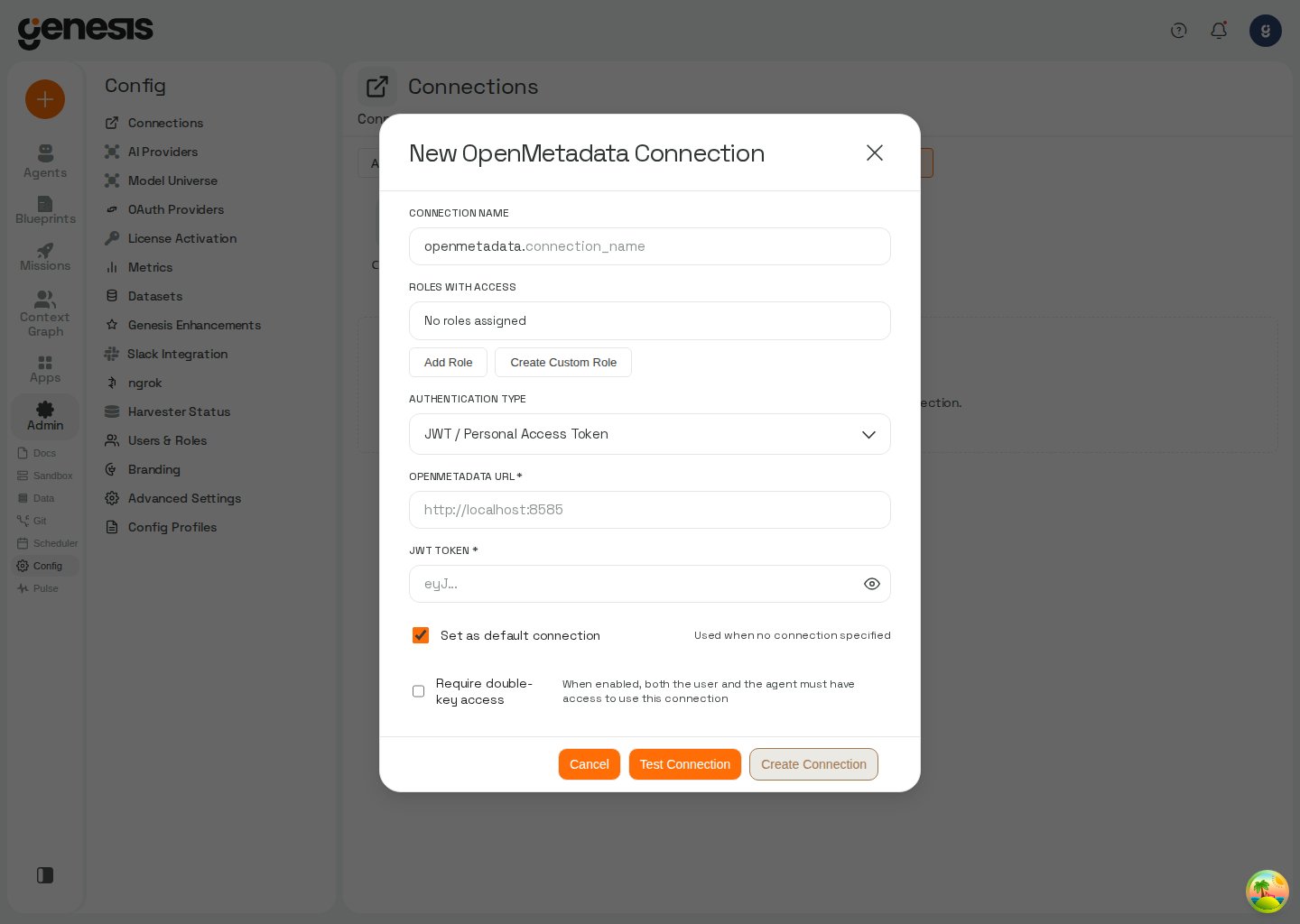
Setup workflow
- Open Config -> Connections.
- Click + New Connection, choose the connector category where OpenMetadata appears, then select the OpenMetadata tile.
- Provide the required connection settings.
- Test and save the connection.
What it helps with
After setup, Genesis can support customer-facing metadata discovery and governance workflows that rely on OpenMetadata as the external catalog. Whenopenmetadata_connector omits connection, Genesis resolves the effective default openmetadata connection for the current user (My default, then Role default). See Default connection layers.