

[OPTIONAL] Install MySQL locally
if needed, you can install MySQL locally here1
Installing on MacOS
To install on MacOS, you can use Brew
2
Start MySQL
Then to start MySQL, useIf you have installed locally using defaults, you will have MySQL running with these configuration properties:
NOTE: If you are connecting to a remote MySQL instance that is already running, you shouldn’t need to uninstall it locally.
Add A Connection To MySQL
Tell Eve you want to connect to MySQL, and provide your host, port, user, and password Copy the prompt below to follow along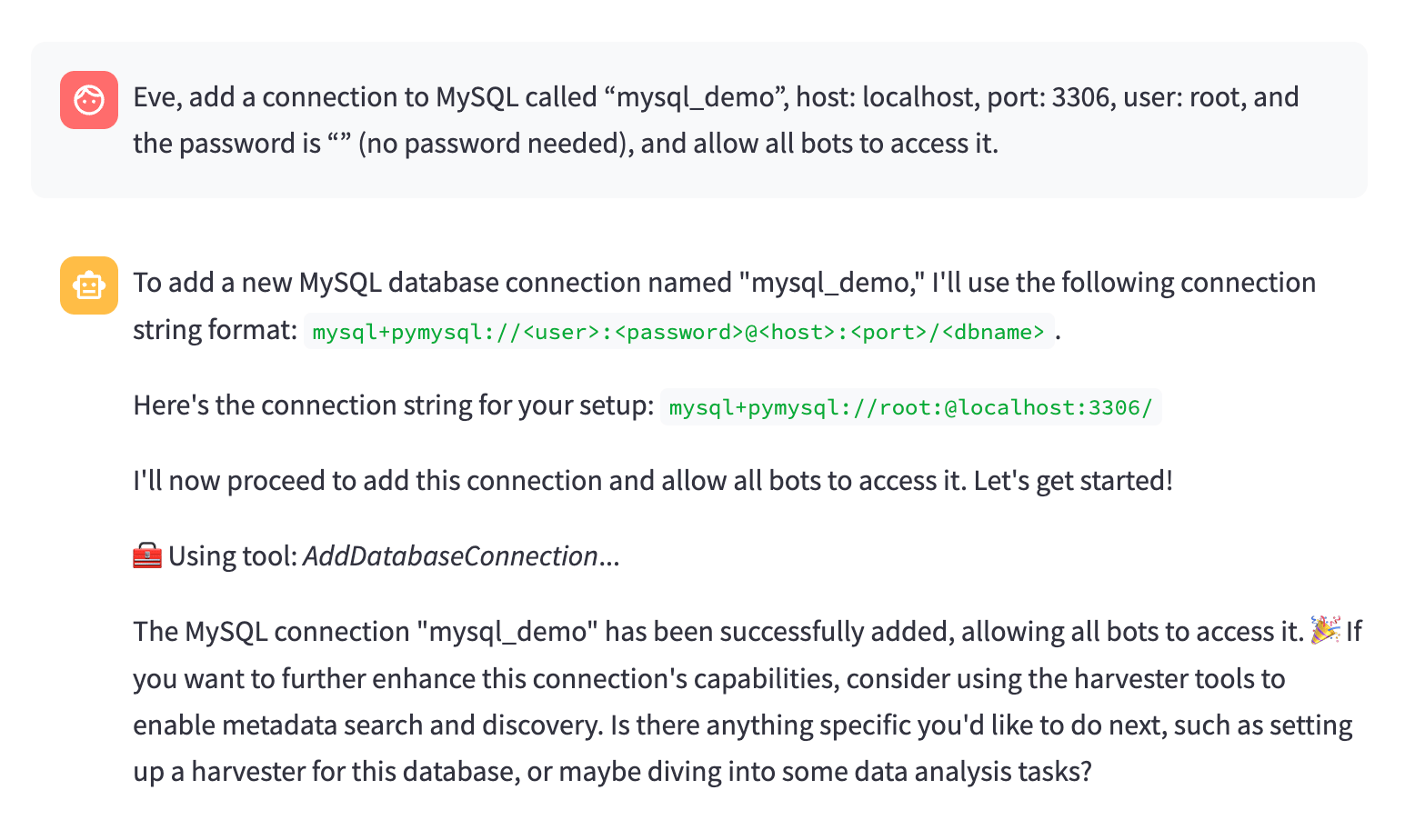
Eve adding a database connection to MySQL
Click Database Connections
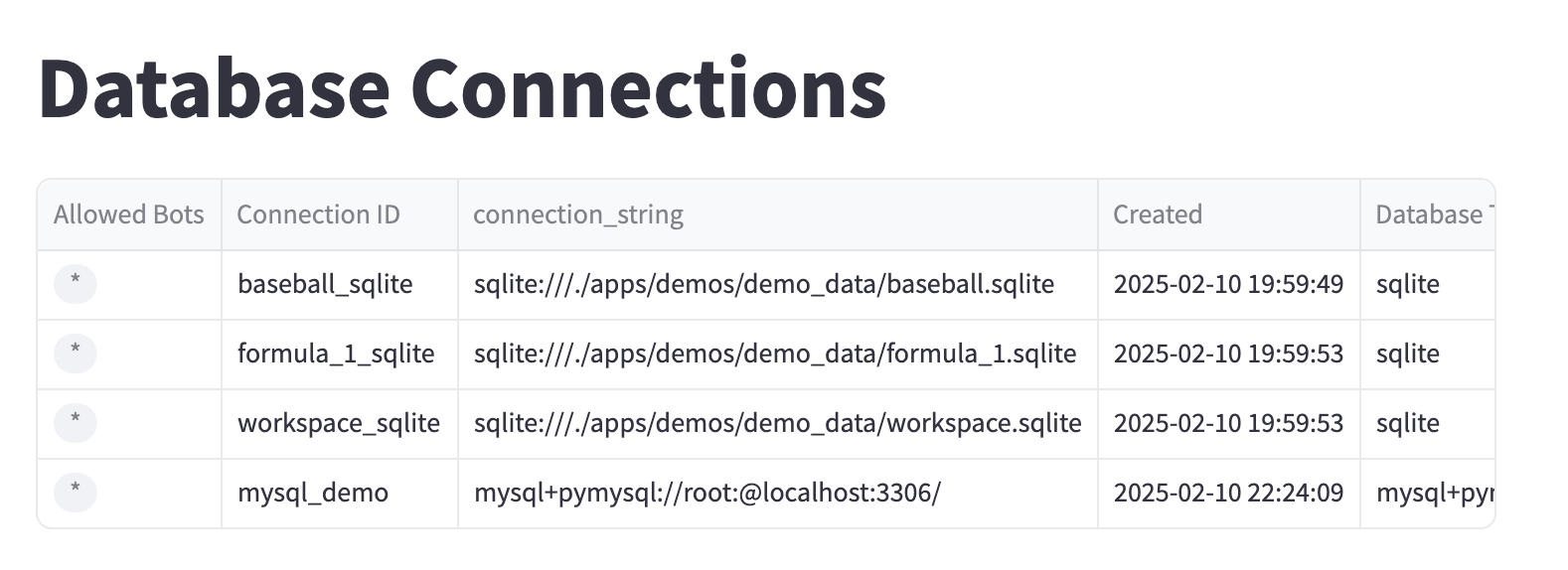
mysql_demo and other databases connected appear here
[OPTIONAL] Create Sample Data
If you already have data in MySQL, you can proceed to the next section to harvest and analyze your data. If your MySQL is empty, you can have Eve create some sample data for you Copy the prompt below to follow along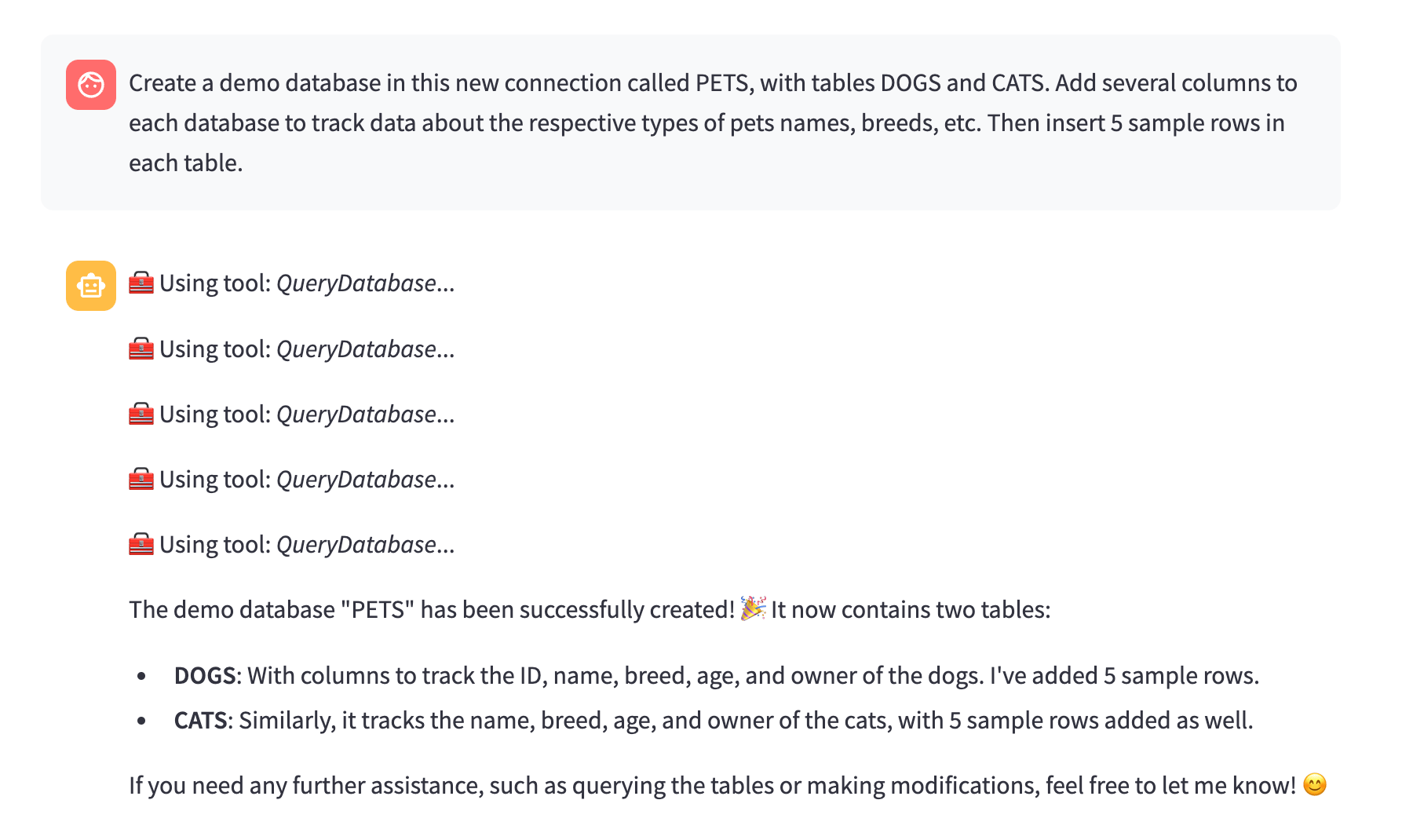
Eve creates synthetic data for you to use
NOTE: It’s ok if Eve has to retry some steps or if she encounters issues, she should be able to resolve them on her own.
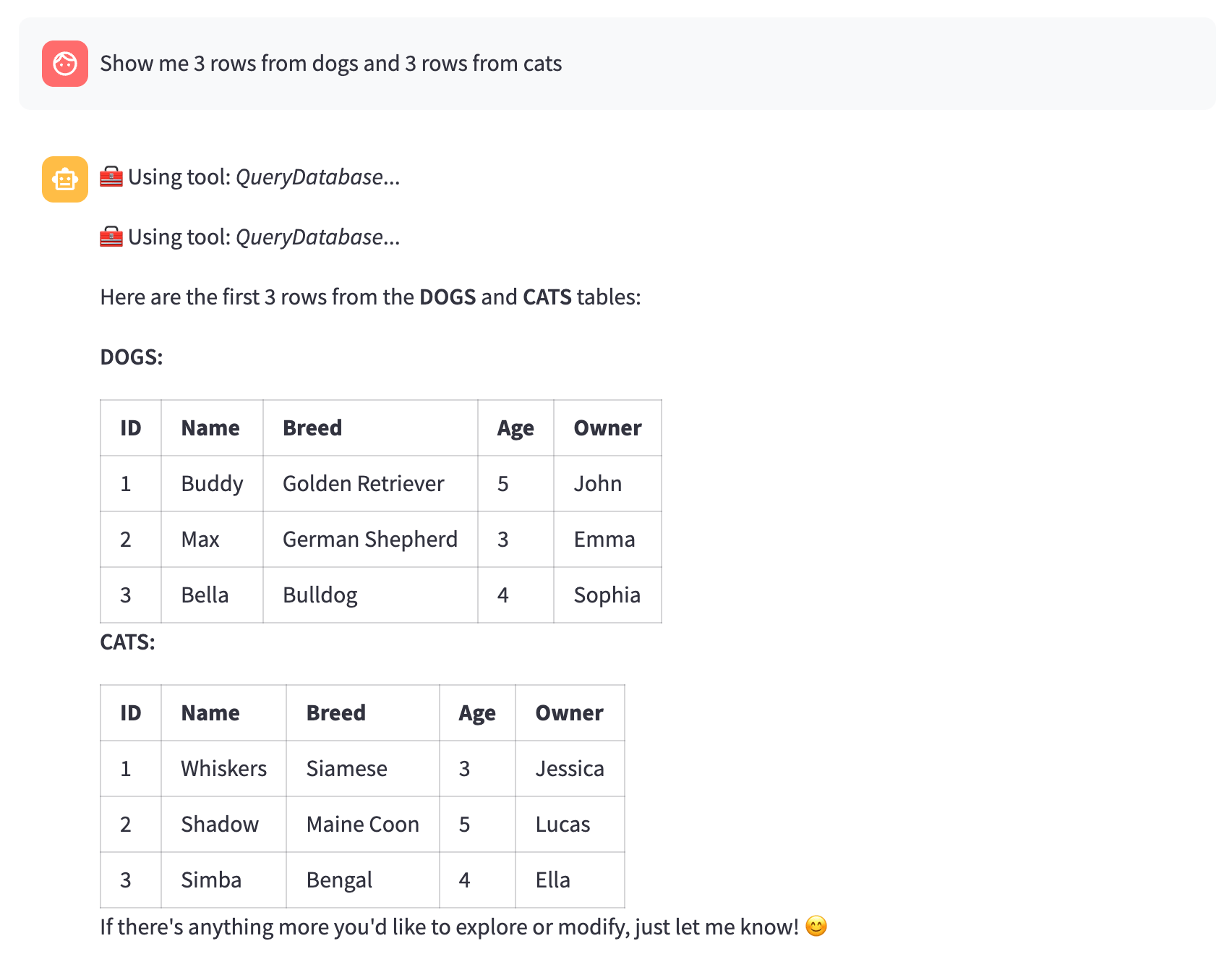
Eve showing the first 3 rows of the newly created synthetic dataset
Adding MySQL To The Harvest
Tell Eve to add your MySQL connection and the databases you want to use to the harvest. Example: if you just created the databases above Copy the prompt below to follow along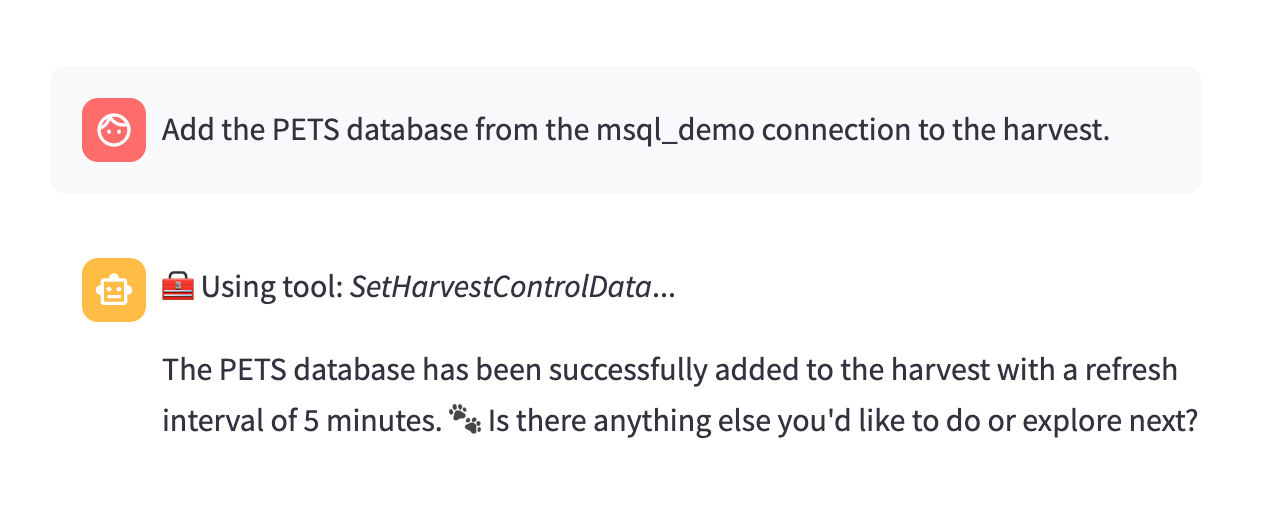
Eve adds the new PETS database from the prompt above
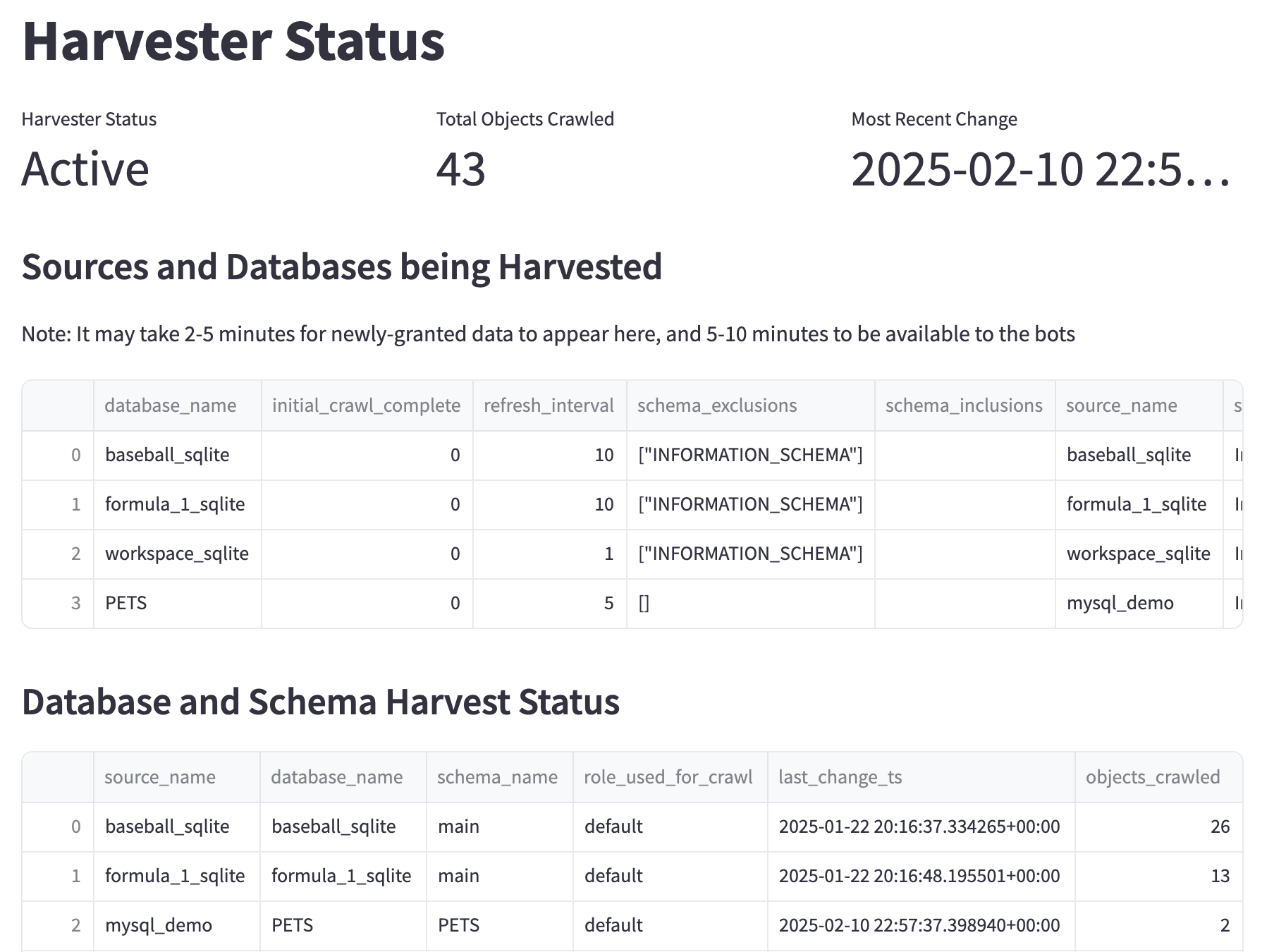
Harvester Status is where you can see all of the data sources being harvested
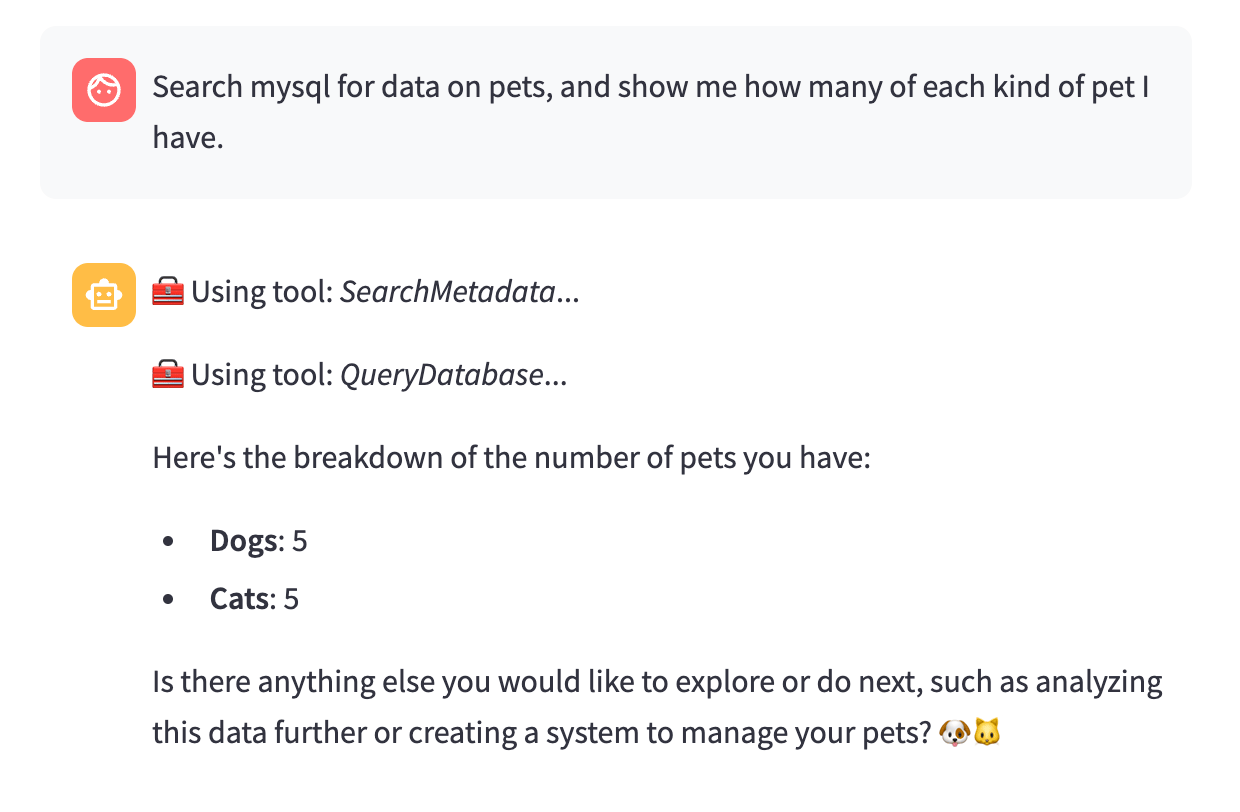
Eve shows a breakdown of the pets in the database